

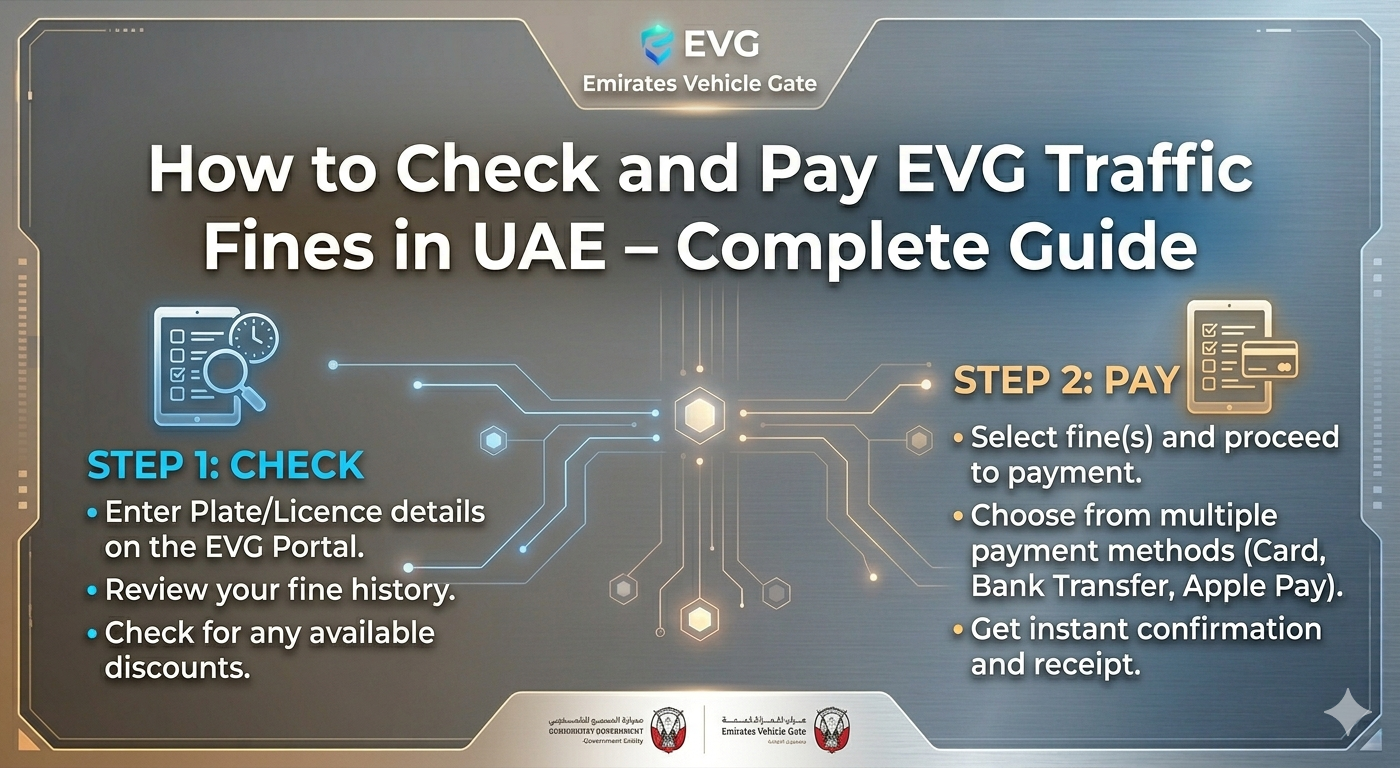
Traffic fines in the UAE. Nobody likes them. But ignoring them? That makes things worse. EVG stands for Emirates Vehicle Gate. It is the system behind most traffic fines outside Dubai and Abu Dhabi. Sharjah. Ajman. RAK. Fujairah. Umm Al Quwain. All use EVG. The problem? Many drivers have no clue how to check or pay. So here is the deal. Learn the right way. Skip the confusion. Skip the long queues. This guide gives straight answers. Online method. Mobile app. Bank apps. In-person. No fluff. No stories. Just steps that work.
What Is an EVG Traffic Fine?
Think of EVG as a big parking lot for fines. Speeding. Red light violations. Parking tickets. Salik misses. Expired registration. It all collects here.But not every fine person lives in this system. Dubai Police has its own portal. Abu Dhabi Police too.For the other five emirates? EVG is the official source.One search. One system. That is the beauty of it. No jumping between five different websites. Enter the plate number once. See everything.Official. Reliable. Saves hours of headache.
What to Keep Ready Before Starting
Nothing kills momentum like missing information. Get these items together first:
- Vehicle plate number (code, letters, digits)
- Traffic file number (helpful but not required)
- Emirates ID (needed for some methods)
- Registration card (for rented or company cars)
The plate number does all the heavy lifting. Get it wrong and the search fails. Every single time.
Double-check the code. D for Dubai. A for Abu Dhabi. S for Sharjah. One letter off and nothing works.
Method 1 : Check Online (Fastest Way)
No app. No registration. Just a browser and internet.
EVG fine check by following the steps below.
- Step 1: Open the official EVG website. Look for the .ae domain. Fake sites exist. Stay smart.
- Step 2: Select the emirate. Where is the vehicle registered? Pick correctly.
- Step 3: Enter plate details. Code first. Then letters. Then numbers.
- Step 4: Complete the captcha. Annoying but necessary.
- Step 5: Click search.
Results appear in seconds. Fine amount. Date. Violation type. Location. Status.
No fines? The system says zero balance or no records found.
Take a screenshot anyway. Proof matters.
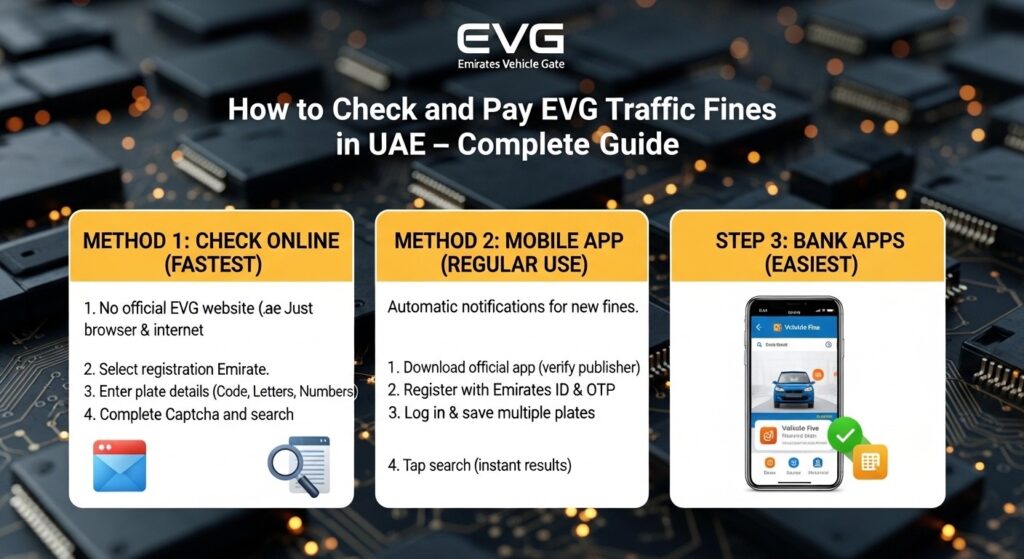
Method 2 : Check via Mobile App (Best for Regular Use)
Check fines often? The app changes everything.
Push notifications arrive automatically when a new fine gets issued. No need to remember to check. The phone handles it.
- Step 1: Download the official EVG app. Apple Store or Google Play. Verify the publisher before installing.
- Step 2: Register with a mobile number and Emirates ID. An OTP arrives via SMS.
- Step 3: Log in. Go to the “Traffic Fines” section.
- Step 4: Enter the plate number. Save multiple plates if needed. Family cars. Fleet vehicles.
- Step 5: Tap search.
Done. The whole process takes under thirty seconds once registered.
The app also saves past results. Useful for keeping records.
Method 3 : Check Through Bank Apps (Easiest)
Many UAE banks connect directly to EVG. Emirates NBD. ADCB. FAB. Mashreq. DIB.
Check fines without leaving the banking app. No extra passwords. No new logins.
Here is how:
- Step 1: Open the banking app.
- Step 2: Find “Government Payments” or “Traffic Fines.”
- Step 3: Select “EVG Fine Payment.”
- Step 4: Enter the plate number.
- Step 5: The system pulls all unpaid fines automatically.
- Step 6: View or pay.
Convenient? Very. Most people already open their bank app daily. Checking fines becomes a five-second addition.
One downside. Bank apps sometimes lag behind the official portal. A fine issued a few hours ago might not show yet. For the freshest data, use the EVG website.
How to Pay EVG Fines:
Found a fine. Now pay it. Fast. Unpaid fines block vehicle registration renewal. Late fees also add up.
Option 1: Pay on the EVG Website
After search results appear:
- Step 1: Select the fine or fines to pay.
- Step 2: Click “Pay Now.”
- Step 3: Choose a payment method. Credit card. Debit card.
- Step 4: Enter card details on the secure page.
- Step 5: Confirm the amount.
- Step 6: Save the receipt.
Confirmation arrives via SMS and email within minutes. The fine status updates within 24 to 48 hours.
Option 2: Pay Through the Bank App
Even simpler. After the bank app fetches fines, a “Pay Now” button sits right there. Tap it. Confirm. Done. No re-entering card details. Receipt appears inside the app.
Option 3: Pay at a Customer Service Center
Prefer face to face? Service centers exist across all emirates. Traffic departments. Registration centers. Some mall kiosks.
Bring these:
- Emirates ID (original)
- Registration card
- Printed fine report (if available)
Wait time is usually five to ten minutes. Pay by cash, card, or cheque. Get a printed receipt before leaving.
Discounts on EVG Fines: What Is Real?
Discounts come and go in the UAE. Some emirates offer early payment discounts. Up to 50% sometimes.
But not every fine qualifies. Dangerous violations? No discount. Ever.
Never trust random agents promising secret discounts. Scams. Every single one.
Official announcements only. Police social media. Government websites.
Want to know if a discount applies? Check the EVG portal. The discounted amount shows automatically if available. No discount showing? None exists.
Common Mistakes to Avoid
Avoid these. Every single one wastes time.
- Wrong plate code. D is not A. A is not S. Get it right.
- Letters in the wrong order. Reversing two letters returns nothing.
- Paying already paid fines. System delays sometimes show old data. Refresh before paying.
- Unofficial websites. Extra fees. Sometimes stolen card details. Stick to .ae domains.
- Ignoring technical fees. Online payments add 2% to 5%. Plan for it.
- Expired traffic file number. Use the plate number alone if registration lapsed.
Double-check everything. One mistake means starting over.
What Happens After Payment?
Confirmation arrives. SMS. Email. App notification. Save the transaction reference number. The system takes time to update. 24 to 48 hours usually. After two days, search again. The fine should show as paid.
Still showing unpaid after three days? Contact EVG support. Have the receipt and transaction number ready.
Keep a copy of the receipt. Digital. Printed. Both. That receipt proves payment if any dispute comes up later.
Frequently Asked Questions
Yes. That is all that is needed on most portals.
No. Fines attach to the vehicle plate, not the owner’s number.
Usually within 48 hours.
Yes. Use the plate number from the rental agreement. No Emirates ID required.
Yes. Official EVG website and approved bank apps use secure payment gateways. Never use unknown third-party sites.
Conclusion
Checking and paying a evg traffic fine does not need to be hard. The official website works best for most people. Fast. No registration. Pay in minutes. Bank apps offer a smoother experience for existing customers. Mobile apps work well for frequent checks. Always double-check the plate number. One wrong digit and nothing works. Pay fines quickly. Late fees hurt. Registration blocks hurt more. Save the receipt. Wait 48 hours. Confirm the fine cleared. That is it. No phone calls. No waiting in lines. No stress. Bookmark the EVG website. The next fine check takes less than a minute.
Apart from that, if you want to know more about Website Design Dubai– How to Promote Sales for Your Brand then visit our UAE Market category.