
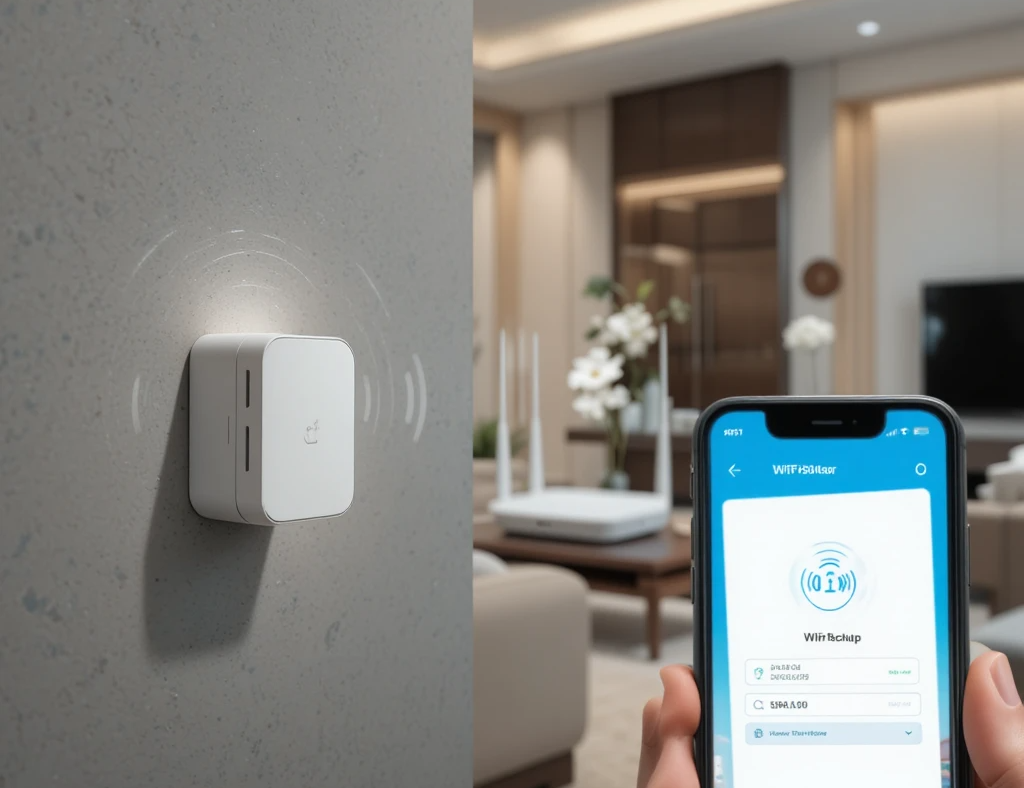
A reliable internet connection is essential for homes and businesses in the United Arab Emirates. However, weak signals in certain areas can disrupt your online experience. This is where a D-Link WiFi extender becomes a valuable solution.
In this guide, you will learn how to install and configure your extender properly to improve coverage and performance using D-Link WiFi devices.
Understanding D-Link WiFi Devices
Before starting the installation, it is important to understand how different D-Link products work together. A d link wifi router acts as the main source of your internet connection, while an extender boosts that signal to reach areas with weak coverage.
Devices like d link portable wifi are also useful for users who need internet access on the go, especially in a fast-paced environment like the UAE.
Why You Need a D-Link WiFi Extender
Many homes and offices face connectivity issues due to large spaces, thick walls, or multiple users. A D-Link extender helps in:
- Expanding WiFi coverage to all areas
- Eliminating dead zones
- Improving connection stability
- Supporting multiple devices efficiently
Step-by-Step D-Link WiFi Installation Guide
Setting up your extender is simple if you follow these steps carefully.
Step 1: Plug in the Extender
Insert your D-Link WiFi extender into a power outlet near your router. Wait for the power light to stabilize.
Step 2: Connect to the Device
Using your smartphone or laptop, connect to the extender’s default WiFi network. The network name is usually printed on the device.
Step 3: Open the Setup Page
Launch your browser and enter the default IP address, typically:
192.168.0.50 or dlinkap.local
This will open the configuration page.
Step 4: Set Login Credentials
Create a secure username and password to protect your extender settings.
Step 5: Select Your Existing Network
Choose your main D-Link WiFi network from the list and enter its password.
Step 6: Complete Configuration
Once connected, the extender will replicate your network and extend its coverage. You can rename the extended network if needed.
Step 7: Position the Extender Properly
Place the extender midway between your router and the area with weak signals for best results.
Tips to Optimize Your WiFi Performance
For better performance, keep these points in mind:
- Place the extender in an open and central location
- Avoid placing it near electronic interference
- Keep firmware updated
- Use strong passwords for network security
For advanced setups and professional networking solutions in the UAE, many users rely on Wifitech to ensure smooth and efficient installations.
Common Issues and Troubleshooting
Even though D-Link devices are easy to use, some issues may arise during setup.
Weak Signal After Installation
Try moving the extender closer to the router.
Unable to Access Setup Page
Ensure your device is connected to the extender network and the correct IP address is used.
Slow Internet Speed
Check for network congestion or upgrade your device if needed.
Importance of Stable Internet for Daily Tasks
In the UAE, a strong internet connection is not just for entertainment but also for essential daily activities. Many people rely on online platforms for transport and services, such as checking their metro balance through Check NOL Card Balance Online.
With a stable connection, you can easily perform tasks like NOL Card Balance inquiries without interruptions. This highlights how important a properly installed WiFi system is in everyday life.
When to Consider Professional Help
While installing a D-Link WiFi extender is straightforward, you may need expert assistance in certain cases:
- Large homes or offices
- Multi-floor buildings
- Frequent connectivity issues
- Complex network requirements
Professional installation ensures optimal placement and long-term reliability.
Conclusion
Installing a D-Link WiFi extender is an effective way to improve your internet coverage and eliminate weak signal areas. By following the correct setup process, you can enjoy seamless connectivity throughout your home or workplace in the UAE.
Whether you are using a d link wifi router or a d link portable wifi device, proper configuration plays a key role in achieving the best performance.
If you want to know about Enterprise Guide to AI Development Solutions for Secure and Scalable Applications then visit our Blog category.