

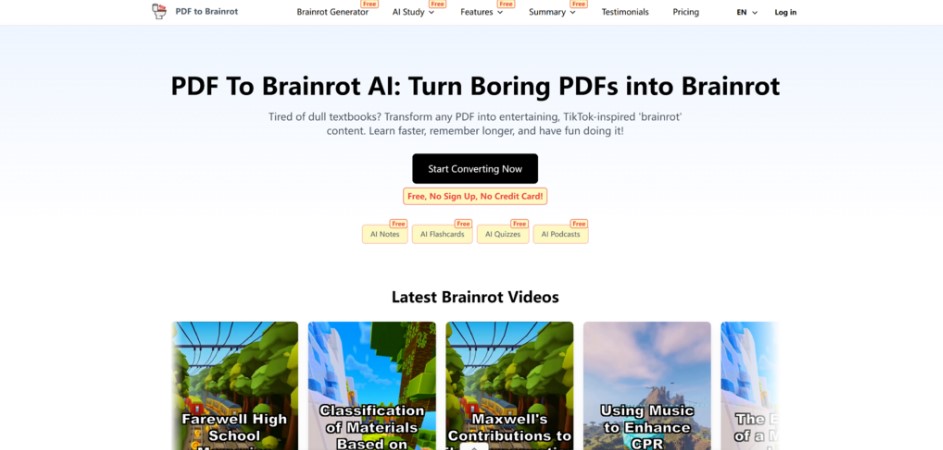
You’ve probably felt it: a PDF arrives, you open it with good intentions, and ten minutes later you’re scrolling—because dense pages don’t compete well with modern attention. The problem isn’t laziness; it’s friction. When information is trapped in long paragraphs and static layouts, your brain has to do all the “conversion work” before learning even begins.
That’s why I started testing Pdf to Brainrot—not as a miracle button, but as a practical way to translate boring study material into something closer to a short-form video rhythm. In my own trials, it felt less like “making content” and more like removing the first barrier: getting the core ideas into a format I could finish.
Why PDFs Feel Harder Than They Should
The hidden cost of “just read it”
A PDF is often optimized for printing, not comprehension on a screen. That means:
- Important ideas are buried.
- Sections are long, with few natural “stops.”
- Your brain must decide what matters before it can remember anything.
A quick PAS lens
- Problem: You have knowledge, but the format is exhausting.
- Agitation: You waste time “trying to start,” and guilt accumulates with every unopened file.
- Solution: Convert the same content into a shorter, guided viewing experience that lowers the activation energy.
What Pdf to Brainrot Actually Does (In Plain Terms)
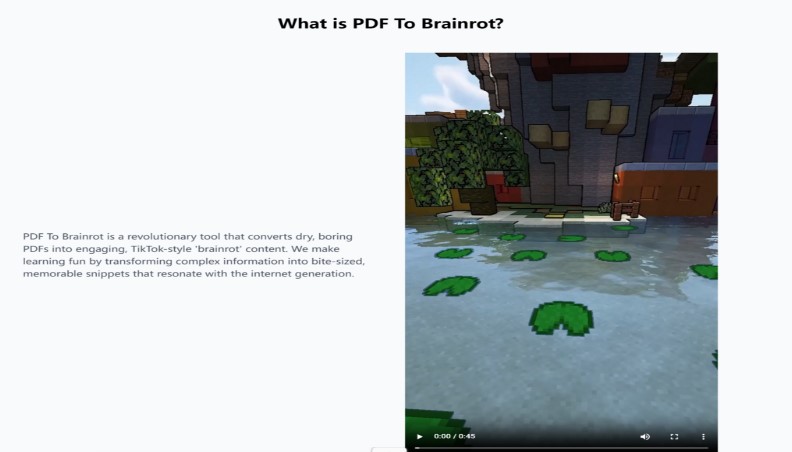
At a functional level, Pdf to Brainrot takes content (PDF and other sources) and turns it into a short, watchable learning video that typically includes:
- A structured script derived from your content
- AI voice narration (you can pick voices)
- Background video (often loop-style)
- Optional background music
- An exported MP4 file (in my testing, it’s oriented toward fast sharing and replay)
Instead of forcing you to “push through pages,” it tries to pull the key points forward and present them as a paced sequence.
A New Way to Think About It: From “Book Pages” to “Learning Clips”
The before/after bridge
Before: You’re staring at a PDF like it’s a wall of text. You highlight, you skim, you lose momentum.
After: You get a compact video that nudges you from point to point—more like a guided walkthrough than a document.
A metaphor that fits my experience: PDFs are like raw ingredients; Pdf to Brainrot is the prep work that turns them into something you can actually consume quickly. It doesn’t replace thinking—but it reduces the effort required to begin.
Modes: Different Formats for Different Study Goals
Brainrot Mode
Best when you want high-energy summarization and quick recall. In my use, this felt like “get me the gist fast,” especially for notes and concept overviews.
Quiz Mode
A more interactive rhythm where the material is reframed into questions. I found this helpful for test prep because it forced retrieval instead of passive listening.
Raw Mode
A more direct translation feel, useful when you don’t want too much reinterpretation.
If you’ve ever wished your notes could turn into a self-testing loop, Quiz Mode is the closest match.
Input and Customization Options That Matter in Practice
Supported input types
Depending on the conversion path you choose, it can handle more than PDFs (for example: text, documents, links, and pasted content). That matters because a lot of learning content isn’t neatly packaged as a single PDF.
Voices and pacing
You can select different AI voices. Small detail, but it changes whether you can tolerate replaying the video. In my tests, choosing a calmer voice improved repeatability.
Background video and audio
You can select background visuals and optionally add music. This is not just aesthetic; for some people it’s what keeps the video “watchable” long enough to finish.
Comparison Table: Pdf to Brainrot vs Common Alternatives
| Comparison Item | Pdf to Brainrot | Manual Summarizing | Generic Text-to-Video Editors | Slide/Screen Recording Workflow |
| Primary purpose | Turn study content into short-form learning videos | Create notes/summary by hand | Create marketing-style videos from scripts | Present or explain content in your own voice |
| Input sources | PDF + other text/document options | Anything (but you do all the work) | Usually a script you already wrote | Anything, but you must assemble it |
| Speed to first result | Minutes (in my tests, quick enough to iterate) | Slow (depends on focus and time) | Medium (editing overhead) | Slow (setup + recording) |
| Learning format options | Brainrot / Quiz / Raw modes | Whatever you design | Mostly narrative video templates | Mostly lecture-like |
| Voice narration | AI voice selectable | Your voice only (if you record) | AI voice often available | Your voice (or none) |
| Background visuals | Built-in selectable loops | Not applicable | Yes, but often heavy editing | Yes, but manual setup |
| Best for | Lowering the barrier to start studying | Deep understanding and mastery | Polished content creation | Teaching, presentations, explanations |
| Realistic limitations | Output quality depends on source clarity; may need retries | Time-consuming; consistency varies | Template-driven; can feel “generic” | High effort; harder to iterate |
This is where Pdf to Brainrot felt distinct for me: it’s not trying to be a full video editor. It’s trying to be a conversion layer between “static study material” and “watchable review format.”
Where It Feels Most Useful (Based on My Testing)
1) When you’re blocked on starting
If the hardest part is opening the PDF and staying with it, a converted video is sometimes enough to get you moving.
2) When you need repetition, not perfection
Short videos are replayable. I found it easier to re-watch a 60–180 second clip than to re-open the same chapter.
3) When you’re switching contexts
For example: reviewing notes while commuting or doing light revision between tasks. It’s a different consumption pattern than “sit down and read.
Limitations That Make Results More Believable
Quality Depends On Input Quality
If your PDF is messy (poor structure, unclear headings, mixed topics), the output can feel less coherent. In those cases, I had better results by narrowing the source (smaller sections) rather than feeding everything at once.
You May Need Multiple Generations
Sometimes the first result is “fine but not quite.” A second attempt—changing mode, switching voice, or trimming the source—often improves clarity.
Short Form Isn’t The Same As Deep Learning
This is important: a summary video can help you start and *review*, but it doesn’t automatically produce deep understanding. For harder topics, I treated the video as a first pass, then returned to the original material with better context.
A Practical Rule That Helped Me
If I couldn’t explain the topic after watching, I used the video as a map: “Which parts should I read more carefully in the PDF?”
A Neutral Reference Point (Why This Format Is Rising Now)
If you want a broader, non-promotional context for why tools like this are appearing, the Stanford HAI AI Index reports are a useful neutral reference. They track how generative AI capabilities and adoption have accelerated, including in areas related to multimodal content (text, audio, and video). The key takeaway: these systems are becoming common enough that “format conversion” (text → audio/video) is no longer a niche workflow—it’s becoming a standard interface for information.
How to Get the Best Output on Your First Try
1) Feed it smaller, cleaner sections
A focused 2–5 page section often produces clearer videos than a 60-page PDF.
2) Choose a mode based on your goal
- Brainrot Mode: fast overview
- Quiz Mode: test yourself