

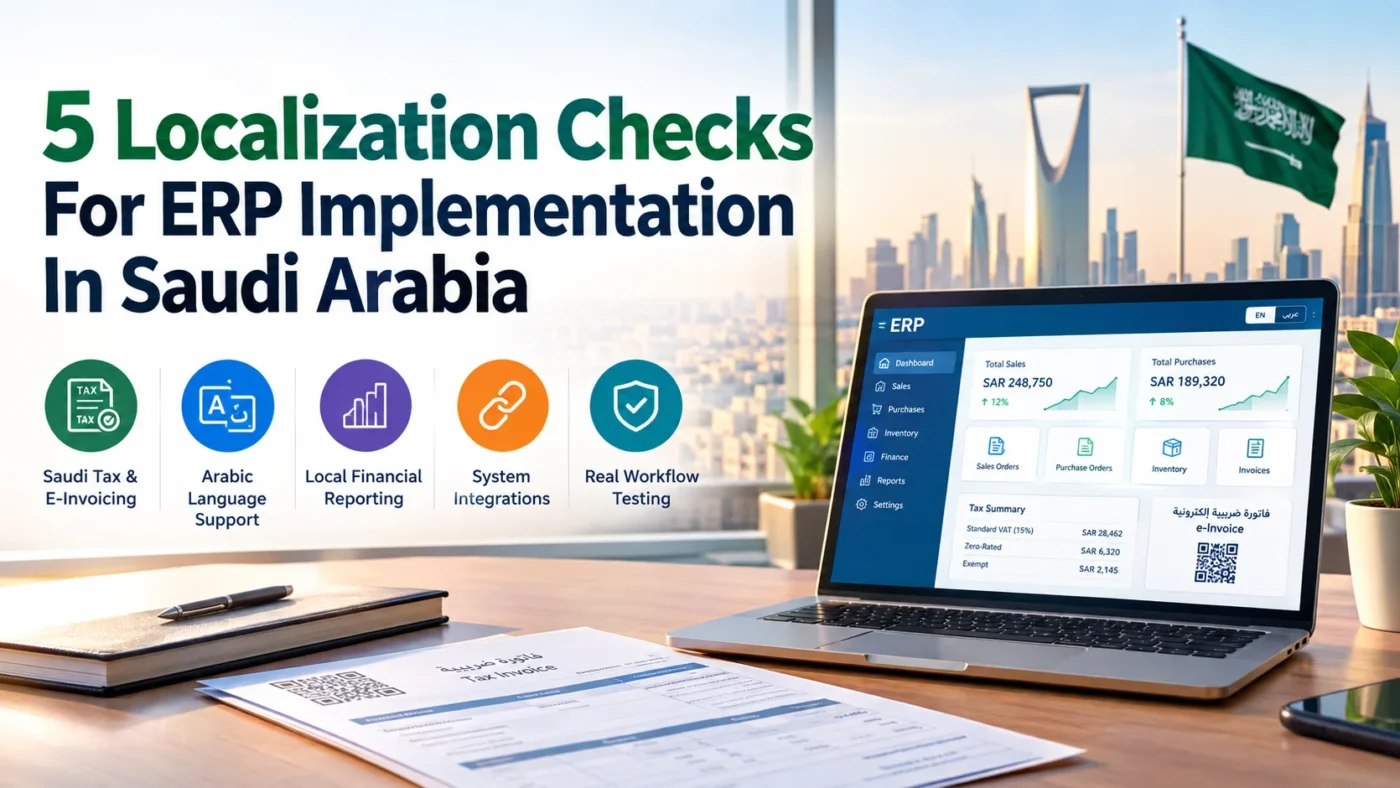
Setting up an ERP in Saudi Arabia is a massive win for any growing business, but it comes with a strict set of local rules. If your software isn’t tuned to how business actually happens on the ground, simple daily tasks can turn into huge headaches pretty fast.
Think of it like taking a standard road car out into the sand dunes. It might run fine for a minute, but without the right setup, you are going to get stuck. Running an off-the-shelf system without tailoring it to local operations works the exact same way.
Checking a few core areas before you go live saves your team from tax errors, compliance slip-ups, and endless daily workarounds. Here are the five key checks to run so your system actually works for your business from day one.
Start With Saudi Tax And E-Invoicing Requirements
Saudi tax rules leave zero room for error. You have to get your system aligned with local authorities right from the start.
ZATCA Integration
Your software needs a clean link to ZATCA to process e-invoices under both Phase 1 and Phase 2. Connecting directly with FATOORA means every tax document gets generated and transmitted automatically with zero manual effort.
VAT Configuration
Applying the standard 15% rate is just part of the job. Your software must also handle zero-rated goods and exempt transactions cleanly so every entry matches official returns.
Invoice Compliance
Every invoice needs specific layout details, including Arabic text and valid QR codes. Working with ERPNext consultants in Jeddah ensures your system validates these rules automatically before any bill reaches a buyer.
Make Arabic Part Of The ERP Experience
Language is a huge part of running a smooth operation in Saudi Arabia. Platforms that treat Arabic like a secondary add-on usually end up causing unnecessary headaches for both your staff and your clients. Getting native Arabic support built into your everyday system keeps work moving cleanly without anyone having to jump through extra hoops.
Bilingual Documents
Your invoices, purchase orders, quotes, and customer receipts need clear Arabic right next to the English text. Having clean bilingual templates ready for instant printing or PDF exports keeps your business compliant with local expectations. It also makes life much easier when dealing with local suppliers, clients, or auditors who need clear Arabic records.
Localized User Experience
Daily work goes a lot faster when the interface actually matches how your team works on the ground. Translating system menus and field labels into natural Arabic makes a massive difference. Your platform should also support smooth right-to-left navigation, display prices in Saudi Riyal by default, and handle both Gregorian and Hijri calendar dates without messing up your records.
Adapt Financial Reporting To Local Requirements
A generic finance setup almost never fits how Saudi companies actually operate. If you just stick with whatever default layout came out of the box, your finance team is going to spend endless hours fixing ledger entries every single month.
Chart Of Accounts
Your ledger needs to match what your business is doing on the ground. Setting up account heads for local income streams, regional overheads, and vendor categories means you can see where money is actually moving. It keeps your books clean and makes end-of-year reviews way less painful.
Tax Reports
Filing tax returns shouldn’t feel like a last-minute panic. Your system ought to group taxable sales, zero-rated items, and input VAT automatically so you aren’t pulling data by hand. Having these reports ready to go keeps your filings accurate and saves your accounting team massive headaches when tax time rolls around.
Check Integrations Before Implementation
Your main platform cannot sit on an island. If it doesn’t talk to the rest of your tools smoothly, your staff will end up re-keying data by hand, which always leads to dumb mistakes and wasted hours.
Banking And Payments
Linking your platform to your bank accounts and local payment portals makes reconciliation almost effortless. When incoming transfers, card payments, and outgoing vendor payments sync automatically, your cash flow stays updated in real time without anyone chasing bank statements.
Business Applications
Every business relies on extra software like payroll, online stores, CRM tools, or warehouse trackers. Connecting these apps directly to your central setup ensures sales, stock counts, and employee pay updates happen instantly across your whole business instead of staying trapped in separate tools.
Data Flow Testing
Never assume two connected apps will get along just because the setup looks right. Run dummy orders, inventory shifts, and payments through the whole loop before going live. Catching a broken link or mismapped field during testing saves you from major operational headaches on launch day.
Test The System With Real Saudi Workflows
Running a few basic test clicks isn’t enough to confirm your platform is ready for launch. You need to put the system through real daily scenarios to make sure nothing breaks under actual operating conditions.
Real Transactions
Feed real business scenarios into the platform during testing instead of clean sample data. Process actual sales orders, vendor purchases, inventory movements, and VAT calculations. Throwing tricky transactions at the system now reveals hidden errors long before they hit your live books.
Compliance Checks
Take a close look at every document the system outputs during these test runs. Check that e-invoices print with correct Arabic text, required QR codes render properly, and tax summaries calculate accurately. Partnering with an experienced ERPNext Consulting company helps you verify these details against strict local rules before going live.
User Readiness
A system is only as good as the team using it every day. Train your finance and operations staff on localized workflows so they know exactly how to handle daily tasks, generate reports, and address system alerts without falling back on manual workarounds.
Build Localization Into The Implementation Plan
Tacking localization on at the end of a project is a massive mistake. Trying to patch tax compliance and Arabic formats after going live usually breaks your system setup.
You need to bake local requirements directly into every stage of deployment:
- Requirements Gathering: Map out ZATCA rules and local tax needs right at the start.
- Configuration: Set up tax rates and currency settings into core modules upfront.
- Customization: Tailor fields and forms to handle regional business habits cleanly.
- Testing: Run complete Saudi sales scenarios long before launch day.
- Training: Show your team how to navigate bilingual interfaces so they are confident from day one.
Handling these details early saves serious time and money. Experienced ERP implementation specialists bring this foresight to the table and keep your rollout aligned with local rules.
Conclusion
Running a business in Saudi Arabia is tough enough without your own software working against you. An ERP should make your daily operations easier, not create extra headaches. If your platform stumbles on basic Arabic invoices or ZATCA tax rules, it quickly becomes an expensive roadblock.
Getting your local setup right from the beginning prevents endless trouble down the line. It stops tax penalties before they happen and keeps your daily sales moving without interruption. Your team can focus on their actual work instead of spending hours on manual fixes.
A properly localized system gives you room to grow. You get peace of mind knowing your operations stay fully compliant while your software actually does what you bought it to do.